
Patient forms that are easy to fill and safe to send.
Online intake, consent and appointment forms patients finish on their phone before the visit, encrypted end to end and delivered to a secure dashboard, not your inbox.
- 3,200+ practices
- Google Premier Partner
- For doctors, by doctors
Get a free 30-minute demo
Built around your practice. No obligation.You agree to be contacted about your demo. Privacy policy. No patient information, please.
Thanks. We got your request.
We will reach out shortly to set up your 30-minute demo.Prefer to talk now? Call (800) 416-5235.
Patients expect to do paperwork online, and their data has to stay protected.
Most patients would rather finish forms at home than on a clipboard. But a regular website form that emails answers to your front desk can leave health information in inboxes and third-party tools. Patients and practices both need:
- Forms on any phoneNo app, no login, no printer. Done before the visit.
- Data that stays privateEncrypted submissions, not health details in email threads.
- A faster check-inStaff review answers ahead of time instead of retyping paper.
- Consent captured properlyPolicies and signatures stored with the patient's form.
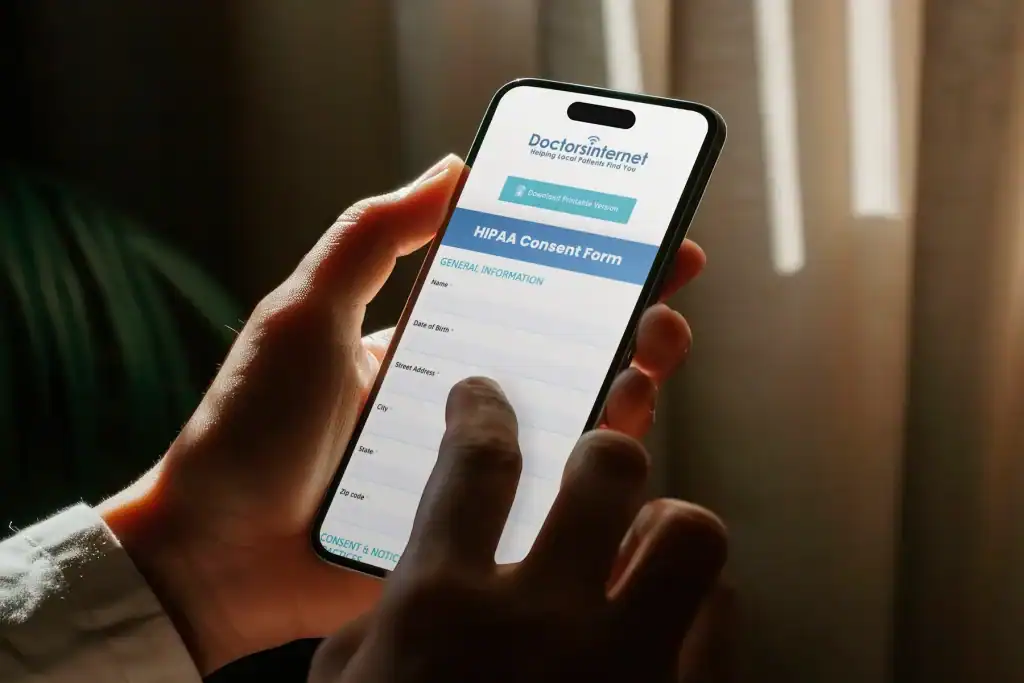
Three things every patient form needs.
HIPAA's Security Rule asks for safeguards on electronic health information, including encryption and transmission security. Any system that stores that information for you has to protect it to the same standard.
Protected in transit and at rest
Guard ePHI "being transmitted over an electronic communications network" (45 CFR 164.312)
- HTTPS on every form page
- Submissions encrypted in storage
- Access limited to your team
Access controls
HIPAA applies to cloud services that store ePHI (HHS)
- Vendor safeguards documented
- Vendor safeguards documented
- No free form plug-ins with patient data
No PHI where it doesn't belong
Pages that collect PHI stay a tracking concern (HHS OCR, 2024)
- No ad or analytics pixels on form pages
- Email alerts without health details
- Audit trail of who viewed what
Every form your practice uses, made secure.
Registration, history, medications and allergies, done before the visit.
Privacy notice, financial policy and consents with e-signature.
Plan details and card photos uploaded securely.
Secure request forms on your website instead of plain email forms.
Every submission in one secure place, with alerts that contain no PHI.
Use our templates or we rebuild the forms you already use.
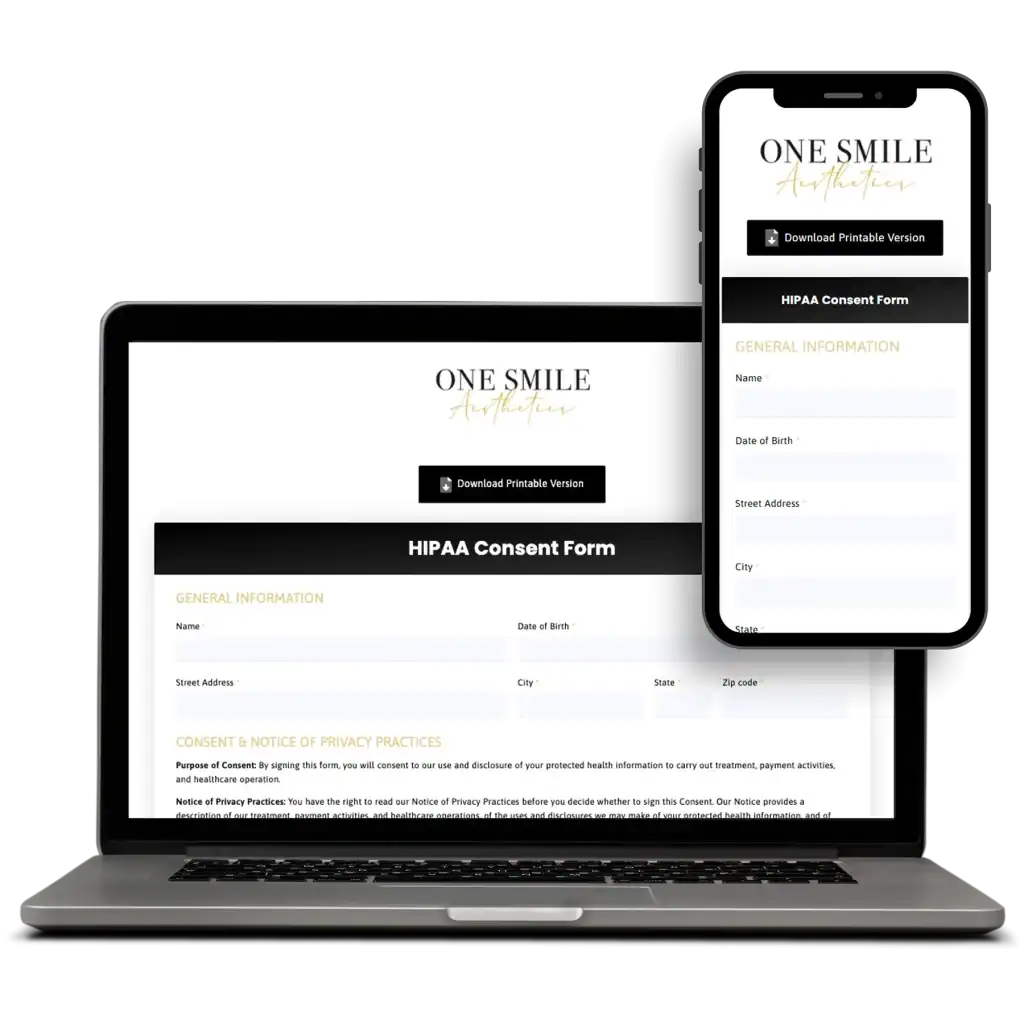
From paper packets to secure online forms in days.
- 01Review your forms
We collect your current paper and online forms and map what each one asks.
- 02Build & connect
Secure, mobile-friendly versions go live on your website.
- 03Go paperless
Patients get a link before the visit; staff review submissions in the Leads Dashboard.

Make the website patients trust.
Google treats health topics as "Your Money or Your Life" and weighs trust heavily, and Chrome has flagged non-HTTPS pages as "Not secure" since 2018. Secure forms, clear privacy notices and no tracking on form pages are trust signals for patients and search engines alike.
Yes. Your Practice offers secure online intake forms you can complete on your phone before your visit, including medical history, insurance and consent forms…
Every form, one secure system.
From the first appointment request to signed consent, the forms patients fill out are covered.
Before the visit
- New patient intake
- Medical history
- Insurance information
Consent & policies
- HIPAA privacy notice
- Financial policy
- Treatment consent
On your website
- Appointment request
- Contact form
- Referral form
- + custom forms
What's the difference?
HIPAA-compliant forms
Typical website form
Ask any form vendor for encrypted submissions and access limited to your team before patient information touches their system.
Common HIPAA-compliant forms questions
What makes an online form HIPAA compliant?
The form collects patient information over an encrypted connection, stores it encrypted and limits who can see it. Alerts should tell staff a form arrived without putting the health information in the email.
Do online forms need special handling under HIPAA?
Yes, if the provider creates, receives, stores or transmits patient health information for you. HHS says HIPAA applies to a cloud service that stores electronic PHI even when the data is encrypted, so the form system needs the same safeguards as the rest of your patient records.
Is encryption required by HIPAA?
Under today’s Security Rule, encryption is an “addressable” safeguard, which means you must implement it or document an equivalent measure. HHS proposed in January 2025 to make encryption required; that rule is not final yet. Our forms are encrypted either way.
Can I use a regular website form or Google Form for patient intake?
Not for health information unless the form system is built and secured for HIPAA. Standard contact forms usually email answers in plain text and may load tracking pixels, which is why we use a dedicated secure form system.
Can patients fill out forms on their phones?
Yes. Forms work on any phone, tablet or computer with no app or login, and patients can sign consents on screen.
Should I have Google Analytics or Meta Pixel on my form pages?
No. HHS guidance still lists pages that collect health information, such as appointment and intake forms, as a tracking concern after the 2024 court ruling. We keep ad and analytics pixels off form pages.
Where do submissions go?
Into your secure Leads Dashboard. Your team gets an email or text alert that a new form arrived, without patient details in the message.
Can you use the forms we already have?
Yes. We rebuild your current intake, history and consent forms as secure online versions, or start you from our templates for your specialty.