
Emails that bring patients back.
Recall reminders, reactivation campaigns and monthly newsletters that land in the inbox, sound like your practice and fill open spots in the schedule.
- 3,200+ practices
- Google Premier Partner
- For doctors, by doctors
Get a free 30-minute demo
Built around your practice. No obligation.You agree to be contacted about your demo. Privacy policy. No patient information, please.
Thanks. We got your request.
We will reach out shortly to set up your 30-minute demo.Prefer to talk now? Call (800) 416-5235.
Your easiest new appointments are patients you already have.
Patients fall behind on cleanings, checkups and follow-ups, not because they left, but because no one reminded them. A steady, useful email from their own practice keeps you top of mind. Patients respond to emails that are:
- Timely"You're due for your six-month visit." Sent when it matters.
- PersonalFrom their doctor's office, by name, not a generic blast.
- UsefulTips, new services and office news worth opening.
- Easy to act onOne tap to book, call or leave a review.
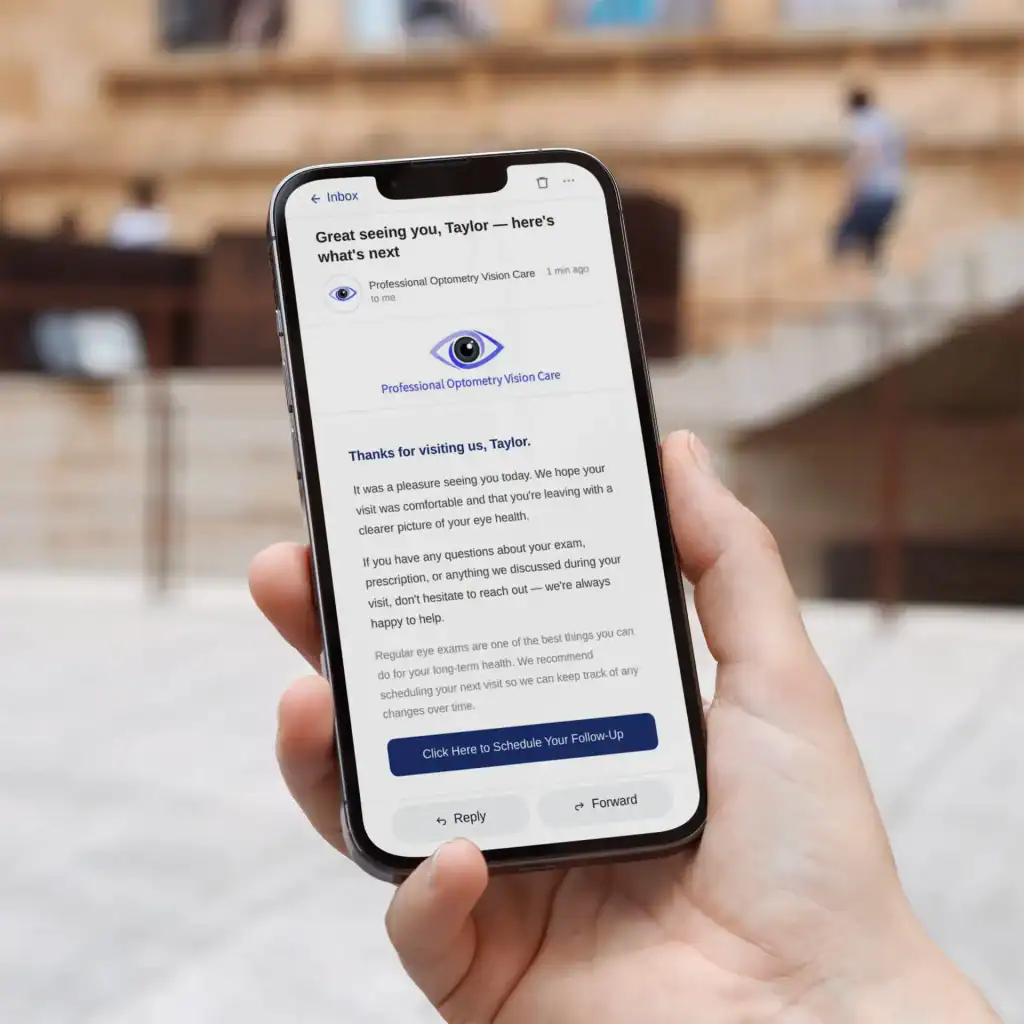
Good email is authenticated, honest and easy to leave.
Google and Yahoo now require bulk senders to authenticate their domain and offer one-click unsubscribe, and CAN-SPAM sets the rules for every commercial email. HIPAA adds care around health details. We handle all three.
Lands in the inbox
"Set up SPF and DKIM email authentication for your domain" (Google)
- SPF, DKIM and DMARC on your domain
- One-click unsubscribe in every email
- Clean lists, low complaint rates
Follows CAN-SPAM
Honor opt-outs "within 10 business days" (FTC)
- Practice name and postal address included
- Clear, honest subject lines
- Opt-outs processed automatically
HIPAA-aware
Appointment reminders are "part of treatment" (HHS)
- No health details in subject lines or marketing
- Reminders kept separate from promotions
- Reminders sent through a secure platform when PHI is involved
Every email your practice should be sending.
Emails to patients due or overdue for a visit, with a one-tap booking link.
Practice news, tips and services, written and designed for you.
A short ask after visits that sends happy patients to Google.
New doctors, new hours, new services and seasonal reminders.
SPF, DKIM, DMARC and list hygiene so emails land in the inbox.
Opens, clicks, unsubscribes and booked visits each month.
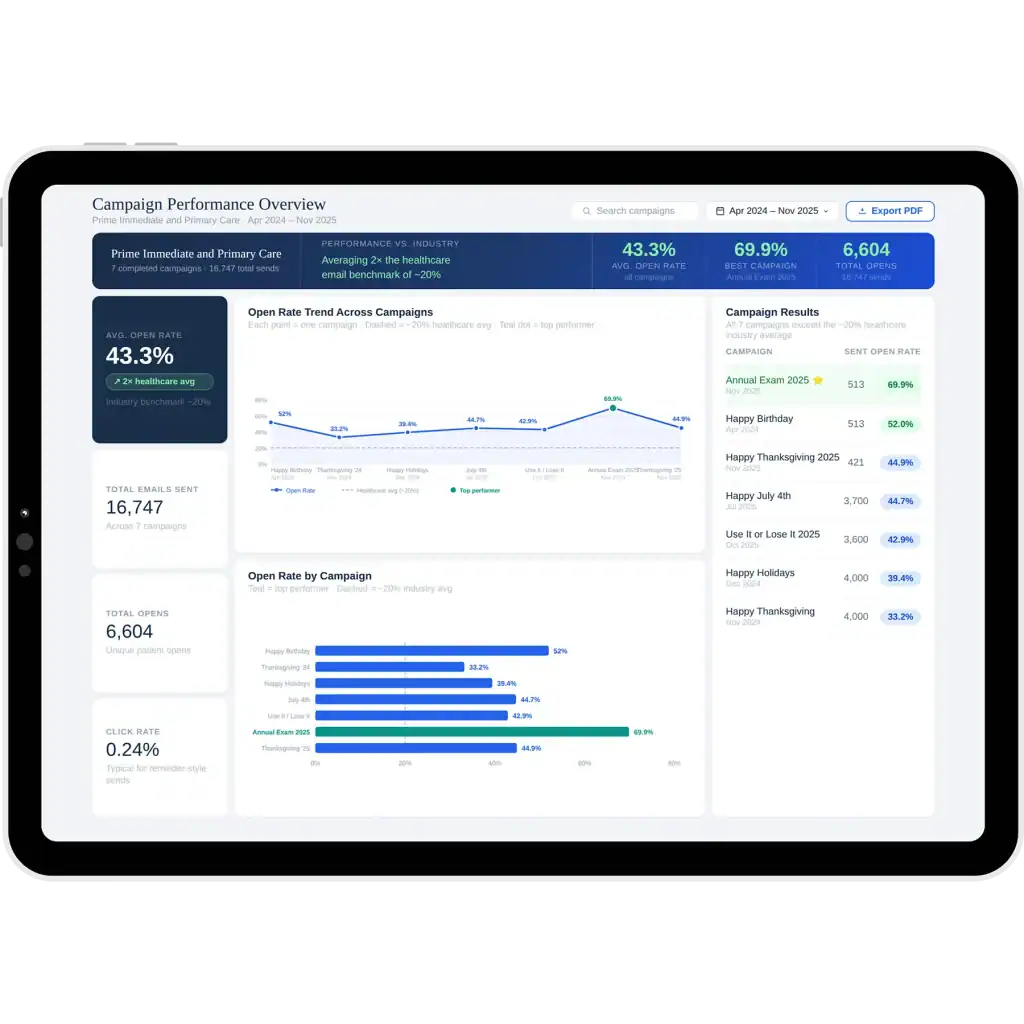
Set up once, then a steady rhythm every month.
- 01Set up & clean
Domain authentication, list import and cleanup, and a branded template.
- 02Plan & write
A monthly calendar of recall, newsletter and announcement emails, approved by you.
- 03Send & report
Emails go out on schedule; you see opens, clicks and bookings every month.
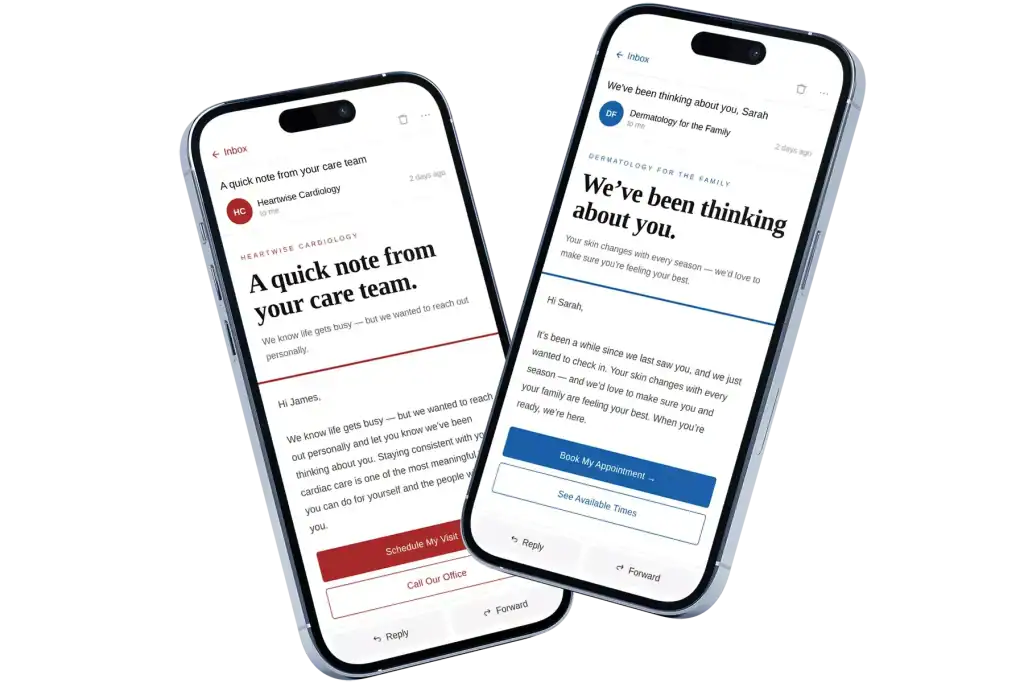
Email that supports search, too.
Every newsletter links back to your website's service pages and articles, bringing return visits and engagement, and review-request emails grow the reviews Google and AI assistants read when they recommend a practice.
Most practices do well with one helpful newsletter a month plus recall reminders when patients are due, so emails stay useful and unsubscribes stay low…
A complete patient email program.
Every email has one job: keep patients informed and get them back in the chair.
Bring patients back
- Recall reminders
- Reactivation campaigns
- Treatment follow-ups
Stay in touch
- Monthly newsletter
- New service launches
- Office announcements
Grow reputation
- Review requests
- Referral asks
- Welcome emails
- + seasonal campaigns
Which should you use?
Text (SMS)
Most practices use both: texts for reminders, email for everything that needs more than a sentence.
Common email marketing questions
Is email marketing HIPAA compliant for a dental or medical practice?
It can be. HHS treats appointment reminders as part of treatment, while promotional emails are marketing with stricter rules. We keep health details out of marketing emails and subject lines, separate reminders from promotions, and use a secure sending platform when patient information is involved. Have your compliance lead review your setup.
Will our emails go to spam?
We authenticate your domain with SPF, DKIM and DMARC, add one-click unsubscribe and keep lists clean, which is what Google and Yahoo require of bulk senders. That gives your emails the best chance of reaching the inbox.
What does CAN-SPAM require?
Honest sender details and subject lines, your physical postal address, a clear way to opt out, and opt-outs honored within 10 business days. The FTC lists penalties of up to $53,088 per violating email, and hiring a vendor doesn’t transfer the responsibility, so we handle it carefully.
How often should we send emails?
Usually one newsletter a month, plus recall emails when patients are due and occasional announcements. Steady and useful beats frequent and salesy.
Do you write the emails?
Yes. We plan, write and design every email in your practice’s voice, and you approve them before they go out.
Can we import our patient list?
Yes. We import and clean your list, remove bounces and duplicates, and only email patients who have a relationship with your practice.
How do we know email is working?
Monthly reports show clicks, unsubscribes and the visits booked from email links. We focus on clicks and bookings because open rates are inflated by Apple Mail privacy features.
Should we use email or text messages?
Both. Texts are best for short reminders; email is best for recall, newsletters and anything that needs more than a sentence.